
When it comes to your money, security should be built into the experience.
At achieve by Petra, we have measures designed to help protect your account, personal information and investments. There are also simple steps you can take to keep your account safe.
Here are some important things to know.
-
Protect Your Account with a PIN and Biometrics
Set a four-digit App PIN under Profile Settings → Security Settings. The app requests your PIN whenever it opens and locks automatically after being in the background for three seconds.
For added convenience, you can enable Face ID or fingerprint recognition after setting up your PIN. Choose a PIN that is difficult to guess and never share it.
-
Keep Your Login Details Private
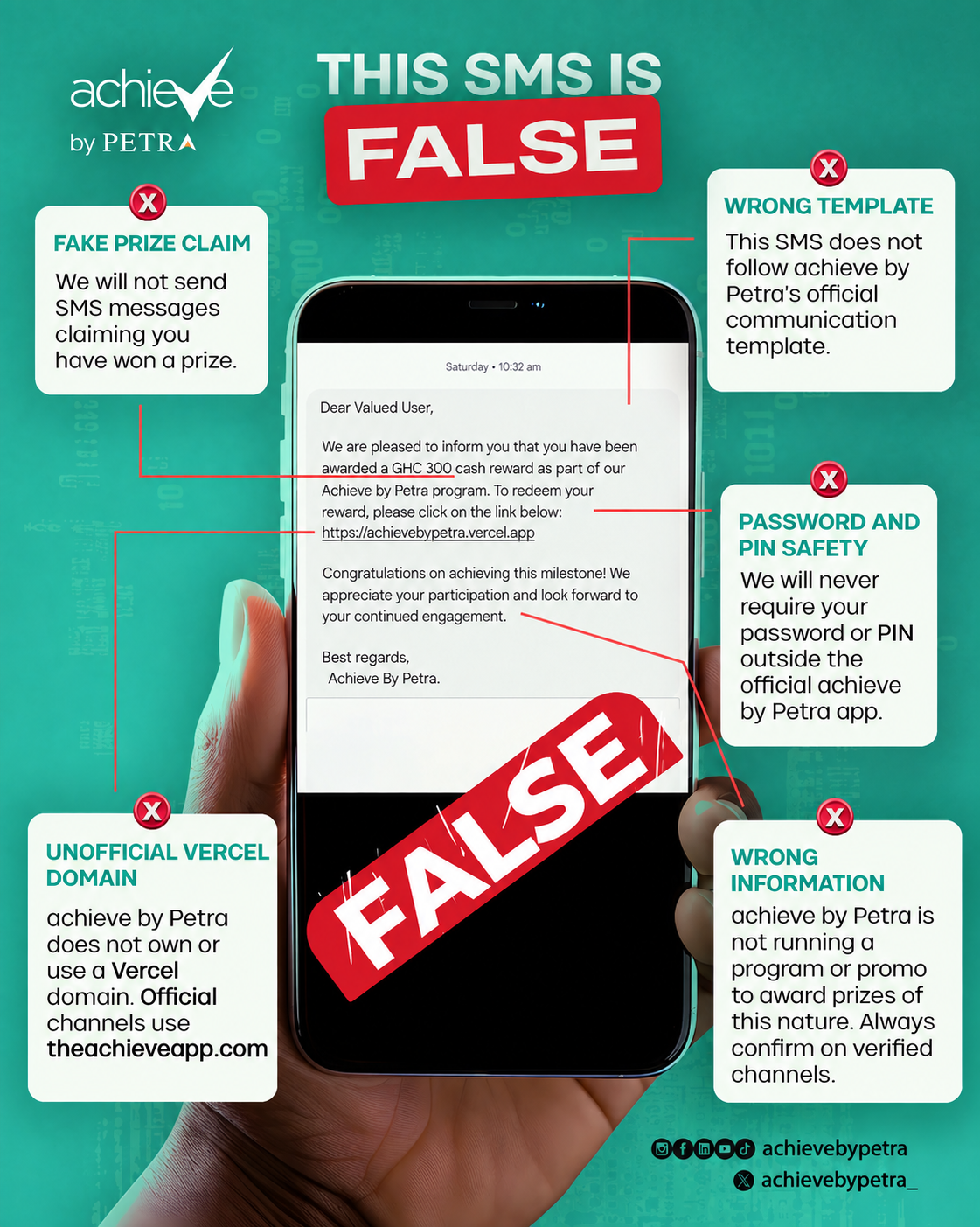
Never share your password, App PIN or one-time verification codes with anyone, even if they claim to represent achieve by Petra.
Be cautious of unexpected calls, messages or links asking for your account details. Always verify suspicious requests through official achieve by Petra channels.
-
Approve Logins from New Devices
When a login is attempted from an unfamiliar device or location, you must approve it through a link sent to your registered email address.
The link expires after 30 minutes and can only be used once. If you did not initiate the login, do not approve it.
-
Withdraw to Accounts Registered in Your Name
Withdrawals can only be made to a mobile-money wallet or bank account registered in your own name. This helps protect your funds and ensures they are sent to the right account. Always check your payout details before proceeding.
-
Keep Your Verification Codes Safe
Certain activities, including sign-up, account reactivation, PIN resets, redemptions and auto-debit setup, require a six-digit verification code.
Each code expires after 10 minutes and can only be used once. Never share these codes with anyone. If you receive one for an action you did not initiate, do not disclose it.
-
Watch Out for Security Alerts
achieve by Petra sends alerts for important account activities, including unfamiliar logins, password changes, PIN activities, changes to contact details and withdrawals.
If you receive an alert about an activity you do not recognize, use the “This wasn’t me” link where available. This immediately locks your account, logs out all devices, removes your App PIN and cancels pending withdrawals.
Changing or resetting your password also ends active sessions across your devices.
-
Keep Your Balances Private
You can tap the eye icon on your home screen to hide your balances when checking your account in public. Your preference is saved until you choose to show them again.
-
Be Careful Who You Send Money To
Be cautious of anyone asking you to transfer funds from your account because they claim to have mistakenly sent you money. Do not rely solely on screenshots or messages as proof of payment, and never share your login details or PIN with anyone.
Be wary of phishing links designed to collect your personal information. Always verify such requests through official achieve by Petra channels before transferring money or sharing any personal information.
Your Security Is a Shared Responsibility
We combine safeguards such as PIN protection, biometric unlock, unfamiliar-login approval and name-matched withdrawals to help protect your account.
You can do your part by keeping your credentials private, protecting your verification codes and checking suspicious requests before acting.
Your financial journey deserves a platform built with security in mind. Stay alert, protect your information and make use of the security features available to you.
Visit your security settings on achieve by Petra and activate your security features today. Tap here